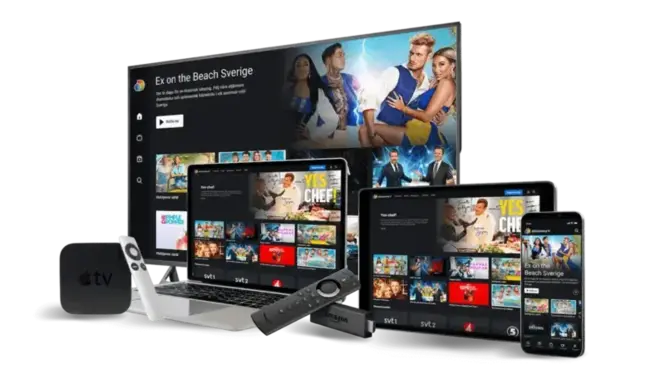
Best IPTV Apps for Smart TV, Firestick & Mobile in 2026
Your IPTV subscription gives you access to thousands of live channels and on-demand titles, but the app you use to watch them makes a huge difference in picture quality, channel organisation, and overall reliability. Below are the IPTV players we recommend most often to Lines IPTV customers, broken down by device.
1. IPTV Smarters Pro
Available on Android, iOS, Windows, macOS, Amazon Firestick, and most Smart TVs, IPTV Smarters Pro is one of the most widely supported players. It accepts both M3U playlist URLs and Xtream Codes logins, has a clean EPG (Electronic Programme Guide), and supports multi-screen playback so you can watch several channels at once.
2. TiVimate
TiVimate is a favourite for Android TV, Firestick, and Nvidia Shield users thanks to its fast channel switching, customisable EPG layouts, and catch-up TV support. The free version covers most needs, while the premium tier adds extra customisation options.
3. GSE Smart IPTV
GSE Smart IPTV is a solid all-rounder for iOS and Android, with built-in VOD library support, multiple playlist management, and external player integration (VLC, MX Player) for devices that struggle with the built-in player.
4. Smart TV Native Apps
Samsung, LG, and Android TV sets increasingly support IPTV apps directly from their app stores. If your TV supports sideloading (most Android TVs and Firesticks do), you can install any of the apps above without needing an extra box.
Setting Up Lines IPTV
Whichever app you choose, setup only takes a couple of minutes:
- Open your chosen IPTV app and select "Add Playlist" or "Login with Xtream Codes".
- Enter the M3U URL or username/password we email you after activation.
- Wait for the channel and VOD lists to sync (usually under a minute).
- Start streaming — no further configuration needed.
Need help with a specific app or device? Check our setup guide or contact us and our support team will walk you through it.